What Comes in a Branding Package? Components, Guidelines, Examples
See what comes in a branding package, from logo design to style guides and templates.

Introduction to Branding Packages
If you’re wondering what comes in a branding package, start with this: you should expect a full set of brand identity essentials that let your business look consistent anywhere. A solid package usually combines visual design work with clear usage rules. That mix is what turns “good-looking branding” into a usable system for your team.
Most business owners don’t need every possible deliverable. They need the right ones for their channels and launch timeline. A branding package should answer practical questions like how your logo appears, which colors you use, and how text should be set in ads and web pages.
When you compare quotes, focus less on the word “package” and more on branding package components you can deploy. You should also know what you get up front versus what you’ll receive later during revisions or handoff.
- Plan for launch-ready assets, not just a logo concept
- Look for usage rules, not only visual files
- Expect deliverables that work across web and print
Core Components of a Branding Package
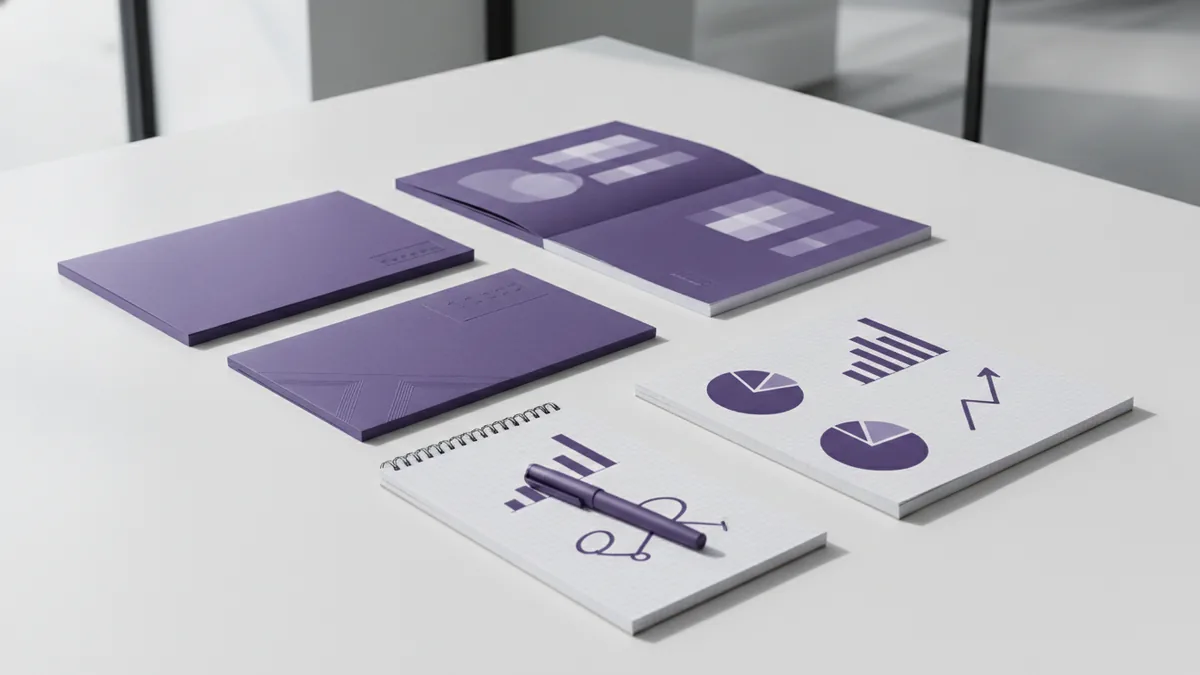
Branding package components typically begin with the parts that create instant recognition and consistent look-and-feel. In most scopes, you will see logo design, a color palette, typography, and supporting graphic elements. These pieces work together to form a recognizable brand identity.
The logo is one of the most critical elements, because it becomes the face of your brand everywhere. It is not just an illustration. It should come in multiple formats for different uses, like a full mark, a shortened mark, and a version for small sizes.
Next comes color. A color palette defines your brand’s visual cues and can evoke specific emotions through color theory. Many teams also choose a primary color plus a neutral set, so designs stay flexible across backgrounds and marketing formats.
Typography is just as important. Typography choices affect readability and brand representation, especially when your headings and body text appear in web pages, slides, and email. A good package will include guidance for heading styles and body styles, not just a font name list.
- Logo design: main mark, alternate mark, and placement guidance
- Color palette: primary, secondary, and neutrals with exact values
- Typography: heading and body styles with clear usage rules
- Graphic elements: icons, patterns, or shape language that supports the system
Additional Items in a Branding Package
Beyond the basics, many brands need assets that help them publish quickly. This is where what comes in a branding package often expands into templates and practical digital files. The goal is to reduce “reinventing the wheel” each time you create a new post, slide, or ad.
Common add-ons include social media templates, business cards, and digital assets for consistent branding across multiple channels. For example, a package might include a set of post layouts with your fonts and brand colors locked in. That way, your marketing team can focus on messaging while the visuals stay on brand.
You may also see components like a brand icon set, background textures, or banner designs. These graphic design pieces can support campaigns and make your visuals feel cohesive even when you swap images.
Some packages include a mini web starter, like color-matched section styles or button styles. Others include presentation templates for sales decks. The right choice depends on where you currently spend most of your effort.
- List your active channels (website, email, social, print)
- Write down your most frequent asset types (posts, ads, flyers)
- Ask what templates or source files you receive for each type
- Confirm what you own and can reuse after the project ends
Importance of Brand Guidelines
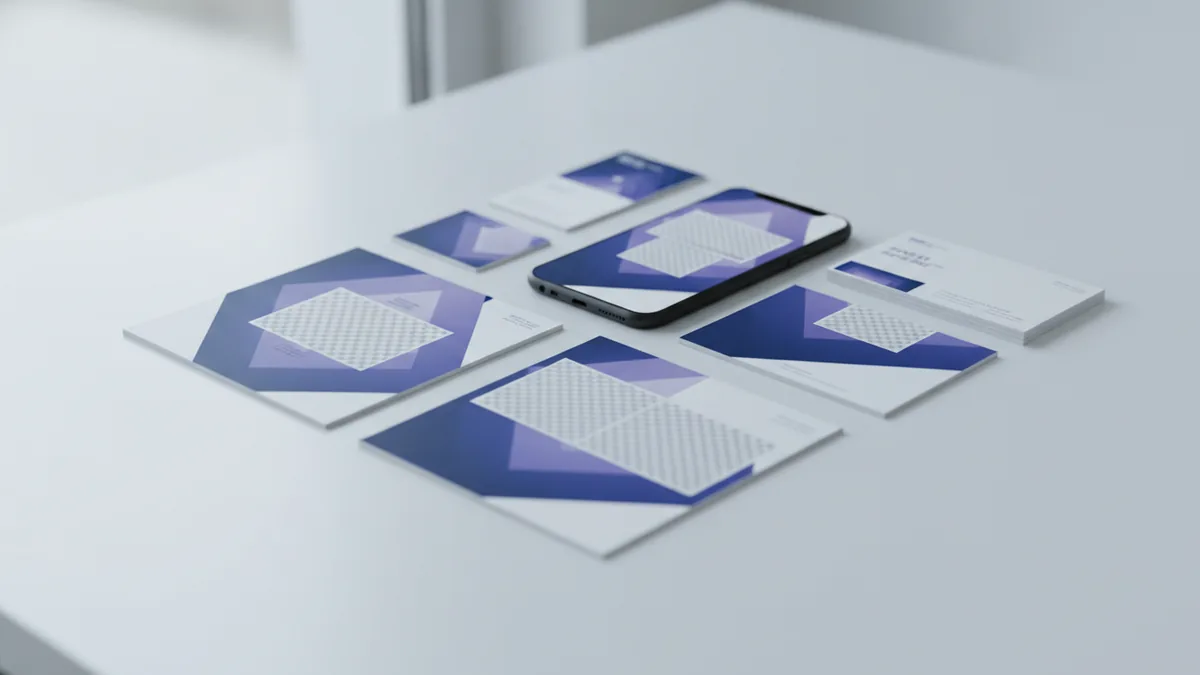
Brand guidelines are the part many owners underestimate, yet they drive brand consistency. They explain how the identity is meant to be used across real scenarios. Without them, teams often “drift” over time and the brand starts to look inconsistent.
A strong style guide, also called a style guide or brand guidelines, typically covers logo rules first. You should see clear direction on spacing, minimum sizes, allowed color treatments, and what not to do. These rules prevent common issues like low-contrast logo misuse on dark backgrounds.
Guidelines should also define how you use the color palette and typography. That means where each color goes, how to pair neutrals, and how to apply heading versus body styles. If your package includes icons or patterns, the guide should address their scale, spacing, and use cases.
Practical teams benefit from examples inside the guide. Look for “do” and “don’t” examples, plus a few finished layouts that show the identity in action. A style guide that only lists rules can still cause confusion.
| Guideline topic | Why it matters | What to look for |
|---|---|---|
| Logo usage | Keeps recognition consistent | Clear sizing and spacing rules |
| Color palette | Maintains visual cues | Exact values for digital and print |
| Typography | Protects readability | Heading and body style definitions |
| Graphic elements | Improves brand recall | Scale and placement examples |
Examples of Branding Packages
Branding package examples help you estimate scope and cost with more confidence. While every vendor differs, most packages fall into a few common tiers. The differences are usually about depth, number of templates, and how detailed the guidelines are.
A “starter” branding package might focus on branding identity essentials. You might receive a logo set, a color palette, basic typography guidance, and a short style guide. It could also include a limited set of social templates and one print item like business cards.
A “growth” package typically expands deliverables. You might get more graphic elements, an expanded style guide, and a wider template set. This could include ad layouts, email header styles, and presentation templates for sales and onboarding.
An “enterprise” package often includes deeper governance and broader assets. It may include more logo variations, extensive usage examples, and a full suite of templates for multiple business units. You may also see workshops or review sessions to ensure brand consistency across teams.
- Starter scope: logo + color + type + short style guide + basics
- Growth scope: deeper guidelines + more templates + extra brand graphics
- Enterprise scope: extended asset library + governance for multiple teams
Conclusion and Next Steps
To decide if a branding project fits your needs, treat the quote like a scope document. You are not just buying designs. You are buying the ability to use them confidently across your brand channels.
Use a branding package checklist when you review proposals. Confirm you’ll receive the logo design, color palette, typography choices, graphic elements, and the style guide that ties them together. Also verify what comes in the add-ons, such as social templates, business cards, and other digital assets you can use right away.
Then match deliverables to your timeline. If you plan to launch a website and run ads within two months, ask whether the package includes web-ready colors, fonts, and export file types. If your team creates content weekly, ask for reusable templates and source files, not only final images.
Finally, ask for an example of how the deliverables will be used in real work. A great vendor can show the style guide applied to a mock set of posts, a landing page section, or a one-page sales sheet. That’s the fastest way to see whether the branding will stay consistent after handoff.
Frequently asked questions
- What comes in a branding package for a small business?
- Most packages include logo design, a color palette, typography guidance, and a style guide. Many also add business cards and social templates to help you launch quickly.
- How long does it usually take to deliver a branding package?
- Timelines vary by scope, but many projects run four to eight weeks. More templates and deeper guidelines usually add time.
- What are brand guidelines, and why do I need them?
- Brand guidelines explain how to use your logo, colors, and typography correctly. They reduce inconsistent edits across websites, ads, and internal teams.
- Do I get source files for my branding package?
- You should ask what file types you receive, such as vector logo files and editable template sources. A clear handoff is part of a strong delivery.
- What should I check before approving a branding package quote?
- Review branding package components, confirm revision rounds, and check what add-ons are included. Use a branding package checklist to verify templates, guideline depth, and exports.
- What are some examples of branding package tiers?
- Starter scopes often include core identity essentials plus a short guide. Growth and enterprise tiers usually add more templates and deeper usage examples for broader teams.
Related reading

Understand Insulin’s Role in Metabolism (Key Processes)
See how insulin guides glucose, fat, and protein use in the body.

Consulting Company Revenue Models: How Pricing Works and Why
Understand how consulting fees work, from hourly rates to value pricing.

Business Credit Explained: What It Is and How to Improve It
Understand business credit, what lenders see, and how to improve your score.